Gerber and drill


The Gerber and drill set describes the bare board: the copper, solder mask, paste and silkscreen layers, the outline and the holes. It is the most common format for your PCB data, and the one every PCB manufacturer accepts. So it gives us the most freedom in picking a manufacturer for your board. Send the set the way your CAD tool plots it. This page shows what belongs in it, and the two things that go wrong most often: the drill files and the outline.
Example
The example set is a real four-layer board, the ST Nucleo-L031K6. The example BOM and the example centroid describe the same board, so the three files fit together the way yours should.
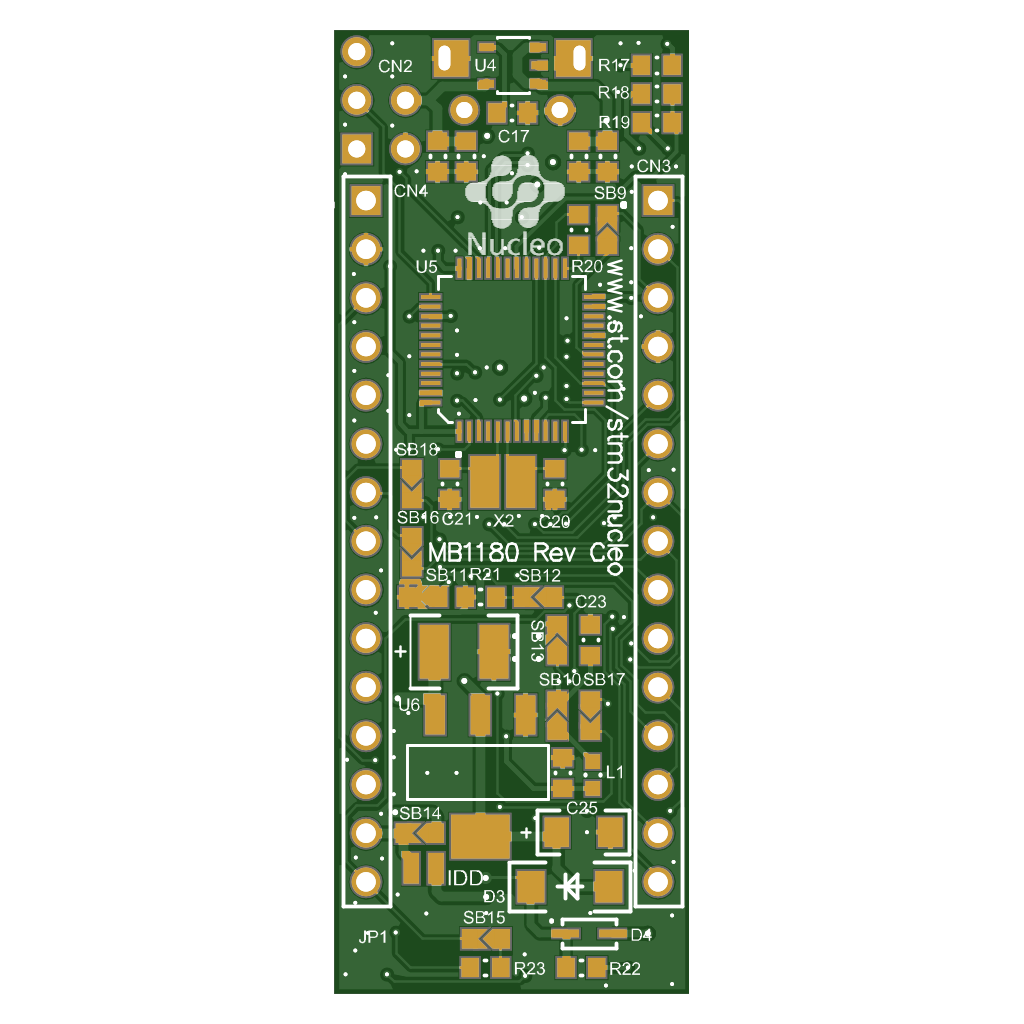
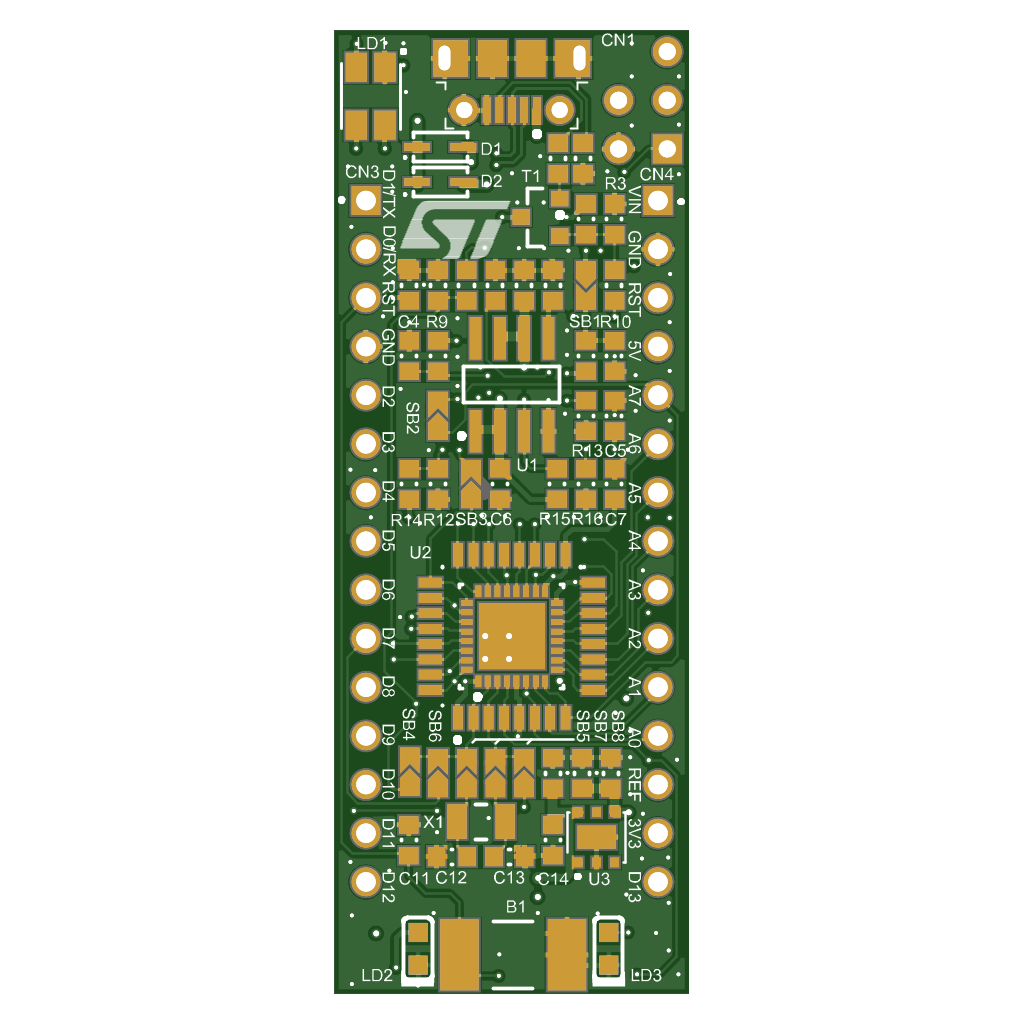
Do not forget the drill files
This is the file people forget most often. In most CAD tools the drill data is a separate export next to the Gerber layers. In KiCad, File → Fabrication Outputs → Gerbers plots the layers, and the drill files come from the Generate Drill Files button in the same dialog. In Altium, Gerber Files and NC Drill Files are two different fabrication outputs, and in an Output Job they are two separate entries. A set without drill files has no holes. Our upload check tells you when they are missing. They usually end in .drl, .xln, .txt or, as in the example, .exc.
The outline
Send the board outline as a file of its own, not drawn on a copper or silkscreen layer. One closed contour on an otherwise empty layer, drawn with a thin line, with every internal cutout as a closed contour of its own. The centre of that line is where the board is cut. Keep dimensions, notes and mounting drawings off this layer; they belong in a separate mechanical drawing. Name the file so its purpose is clear. We recognise the usual names: Altium's .gko or .gm1, KiCad's Edge_Cuts.gbr, Eagle's .gml, or simply a Gerber file called outline, as in the example set with its board outline.gbr. Better still, let your CAD tool write Gerber X2, which tags the file as the profile so no name is needed.
Look before you send
Our open source Gerber viewer renders a Gerber and drill set in your browser. There is nothing to install and we do not store your files. You see at a glance whether every layer and every hole is there.
Your price in seconds
Fill out the calculator and you have a price that is about 95% correct. Upload your files and we make it final in our offer.