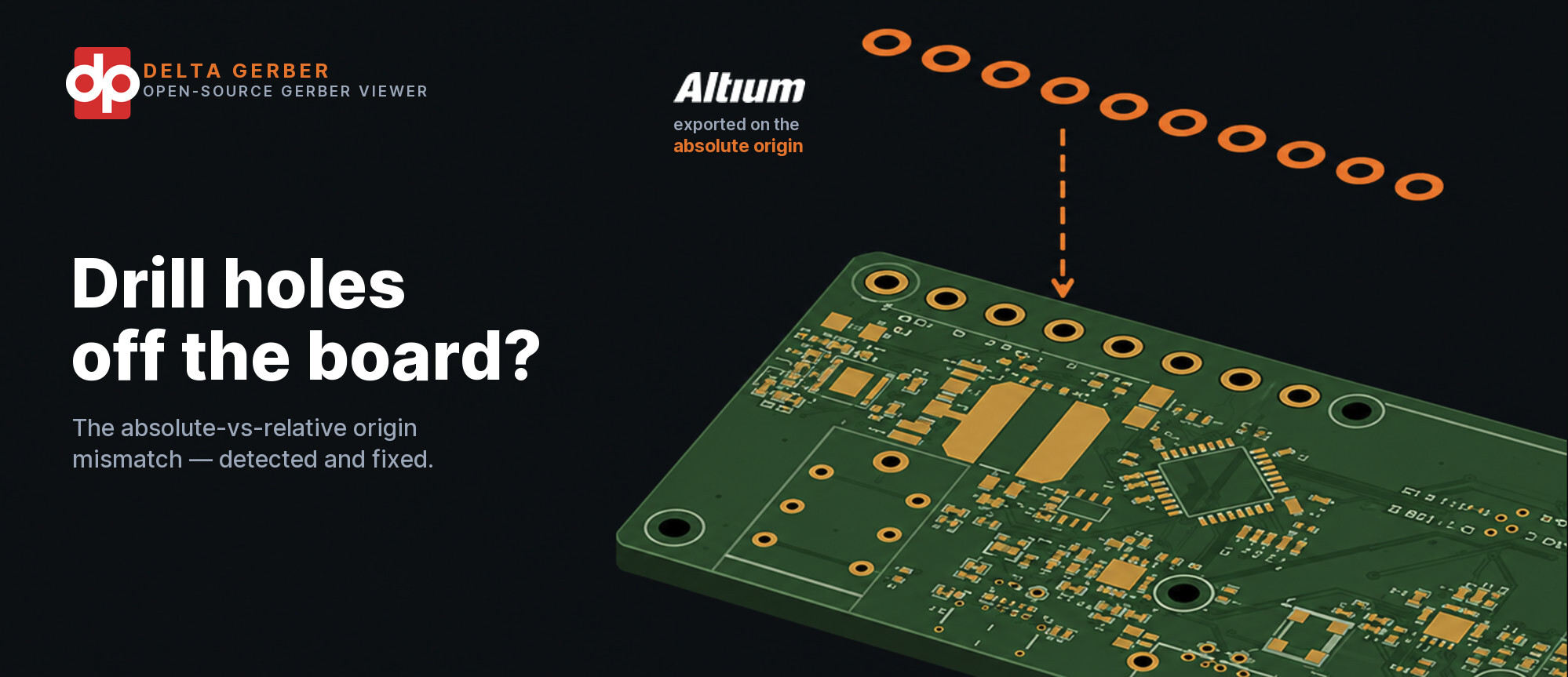
Gerber and drill layers misaligned? The absolute-vs-relative origin bug

A user of our open-source Gerber library reported a familiar problem: in the "all layers" view the drill holes were floating far off the board (github.com/Delta-Proto/delta-gerber/issues/5).
The cause was not in the viewer — it was in the export. Some EDA tools, Altium in particular, write the NC drill file on a different origin than the Gerber files: * the Gerbers relative to the relative (board) origin, so the board sits near 0,0 * the drill file relative to the absolute (sheet) origin, so the board sits far from 0,0
The annoying part: nothing in the drill file records the offset needed to reconcile the two. So the holes simply end up somewhere other than the copper they belong to.
This is a well-known issue. Other fabricators and tools describe exactly the same thing: * Numerical Innovations — Gerber and Drill layers do not align: support.numericalinnovations.com/support/discussions/topics/14000002602 * OSH Park — Altium drill file CAM configuration: docs.oshpark.com/design-tools/altium-designer/drill-files * OSH Park — common errors with drill files: docs.oshpark.com/troubleshooting/drill-issues * PCBSync — generating NC drill files in Altium: pcbsync.com/how-to-generate-nc-drill-files-in-altium-designer
The usual fix is manual: make sure the Gerber and NC drill exports use the same origin setting ("Reference to Absolute Origin" versus "Reference to Relative Origin") and re-export.
We wanted our viewer to show it correctly even without a re-export. So Delta Gerber now does the following: * detect that the drill layer falls entirely off the board * recover the exact offset by matching the drill holes to the copper pads — every plated via is concentric with its pad * shift the drill only when that offset can be recovered exactly, and otherwise leave it alone: an exact fix or none, never a guess * surface a warning that explains what is happening and how to correct the export at the source
It is the same approach good CAM tools use to align layers on a shared reference point — but automatic, driven by the geometry itself.
This came in as GitHub issue #5 and has since been fixed and merged (github.com/Delta-Proto/delta-gerber/issues/5). That is exactly why we keep the library open source and actively maintained: real-world files expose edge cases you would never invent in a lab.
Delta Gerber is a Java library that parses, interprets and renders Gerber X2/X3 and Excellon drill files — entirely in the browser, with no upload and no installation.
Want to try it yourself? * View your Gerbers straight in the browser with our Gerber Viewer: /opensource-gerber-viewer * Or clone the library from GitHub: github.com/Delta-Proto/delta-gerber
Contributions, issues and feature requests are welcome.